Employees and mobile
Passenger portal and QR boarding
Employees see their shuttle, stop and the vehicle's live location, use a daily boarding QR code, say "I won't ride today" and request a stop change.
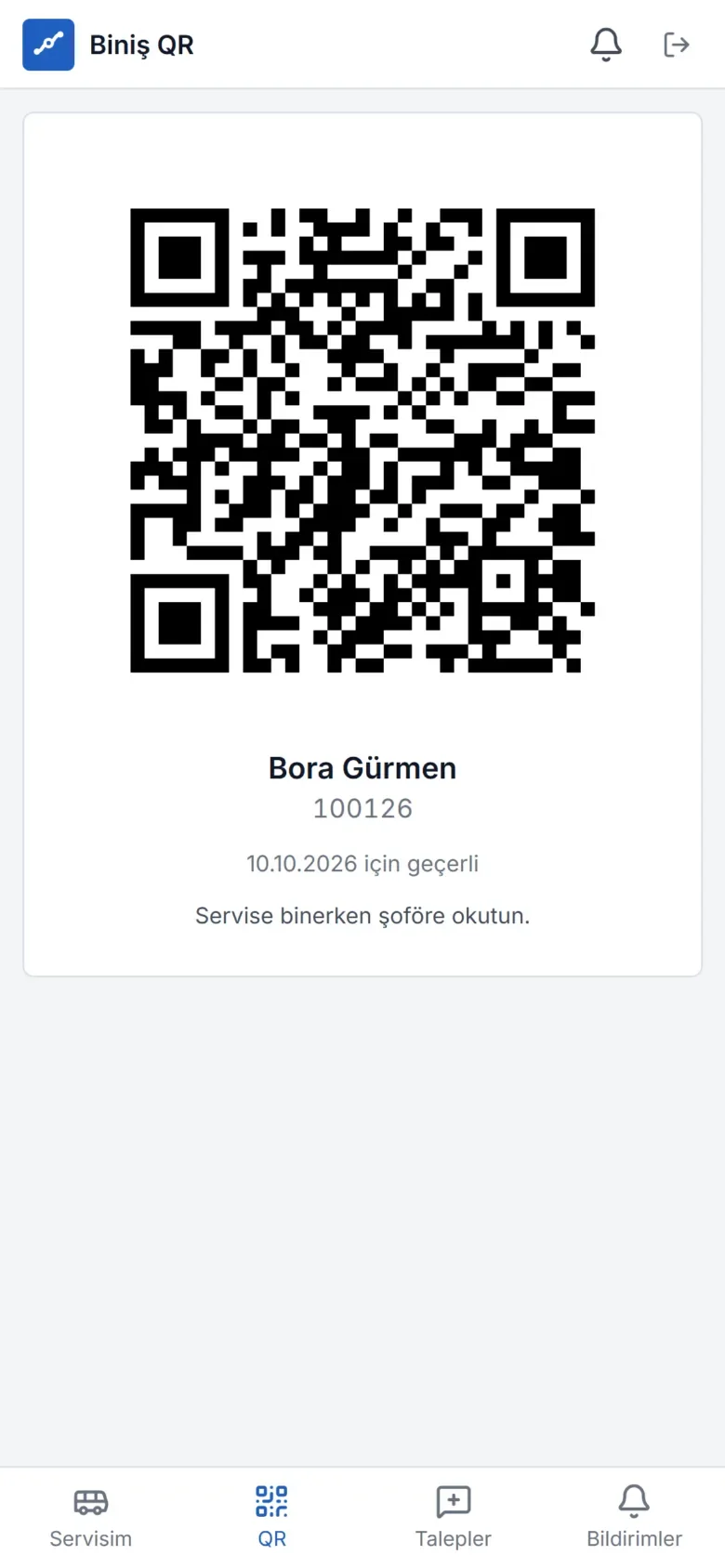
The employee's shuttle assistant
The passenger portal lets employees manage everything about their shuttle from their phone and cuts down the phone traffic reaching the operations team.
- My shuttle: Today's and tomorrow's shuttle, stop and time
- Live location: The vehicle's location and estimated arrival once the shuttle is on its way
- Boarding QR: A signed personal QR code that changes every day (a screenshot is invalid the next day)
- I won't ride: Contributes to capacity planning; can be undone before the shuttle starts
- Requests: Stop / line changes, a new shuttle need
- Notifications: Instant notifications for delays, changes and announcements
What is on the "My shuttle" screen?
When employees open the app, they see today's and tomorrow's morning and evening shuttles: the stop they will board at, the scheduled and estimated arrival time, any delay, the vehicle's license plate and the driver's shortened name. Once the trip is under way, the shuttle can be followed live on the map. Employees get the answer to "where is my shuttle?" without calling anyone.
Why does the "I won't ride" notice matter?
An employee who has not entered their leave in the system and will not use the shuttle that day means an empty seat and unnecessary waiting. Employees can say "I won't ride" for one direction or the whole day:
- The notice instantly reduces the trip's expected passenger count; the driver does not wait at that stop.
- It can be undone before the trip starts.
- The notice is preserved even if the trip plan is recalculated.
- In aggregate, it feeds occupancy and demand forecasting.
Personal boarding QR code
The QR code changes every day, is cryptographically signed and carries no personal data. A screenshot of one day's code is useless the next day, which makes using someone else's code harder. When the driver scans the code, the boarding is recorded on that trip.
Requests and announcements
Employees submit requests such as stop or line changes or a new shuttle need through the portal; the request lands on the operations team's screen. Organization announcements and shuttle-related changes (vehicle change, delay, shuttle approaching) arrive as in-app and push notifications. Employees without an app account can receive the same notifications by SMS, WhatsApp or email, depending on the organization's preference.
Access and security
An employee account is opened with "Grant access" from the employee record; the person receives an invitation email, or an administrator sets a temporary password. If corporate single sign-on (Microsoft Entra ID, OIDC, SAML) is available, employees sign in with their organization account. The portal shows only the person's own shuttle information and has no access to management screens.
Frequently asked questions
Do employees need to download an app for the passenger portal?
No. The portal is a web app opened in the browser that can be added to the phone's home screen (PWA). It works on Android and iOS and receives push notifications.
Does sending a screenshot of the QR code to someone else work?
Because the code changes every day, screenshots from previous days are invalid. Because the code is signed, fake codes cannot be generated. Organizations can also use NFC cards or on-board card readers if they wish.
What if I change my mind after saying "I won't ride"?
The notice can be undone before the trip starts; the person is added back to the expected passenger list.
Does the passenger portal track employees' location?
No. The portal does not collect the employee's location; employees only see the location of their own shuttle vehicle.